Stop ignoring your Screen Time limits
Spending too much time on your phone? Screen Time not helping, ’cause you keep pressing "Ignore Limit" or turning off your restrictions?
No "Ignore Limit" button, no turning off your limits, and no workarounds.


"What I hated most about other screen time apps was how easy they were to turn off. With Shutout, that's no longer a problem. I finally have something that actually works!"

"I've tried Opal and Screen Time and none of them seem to work, I can always turn them off easily—Shutout is the only solution that's worked for me, since you can't turn it off. A week in and I've already seen a huge improvement in my day-to-day and work."
How It Works
Three steps to put your Screen Time password out of reach.
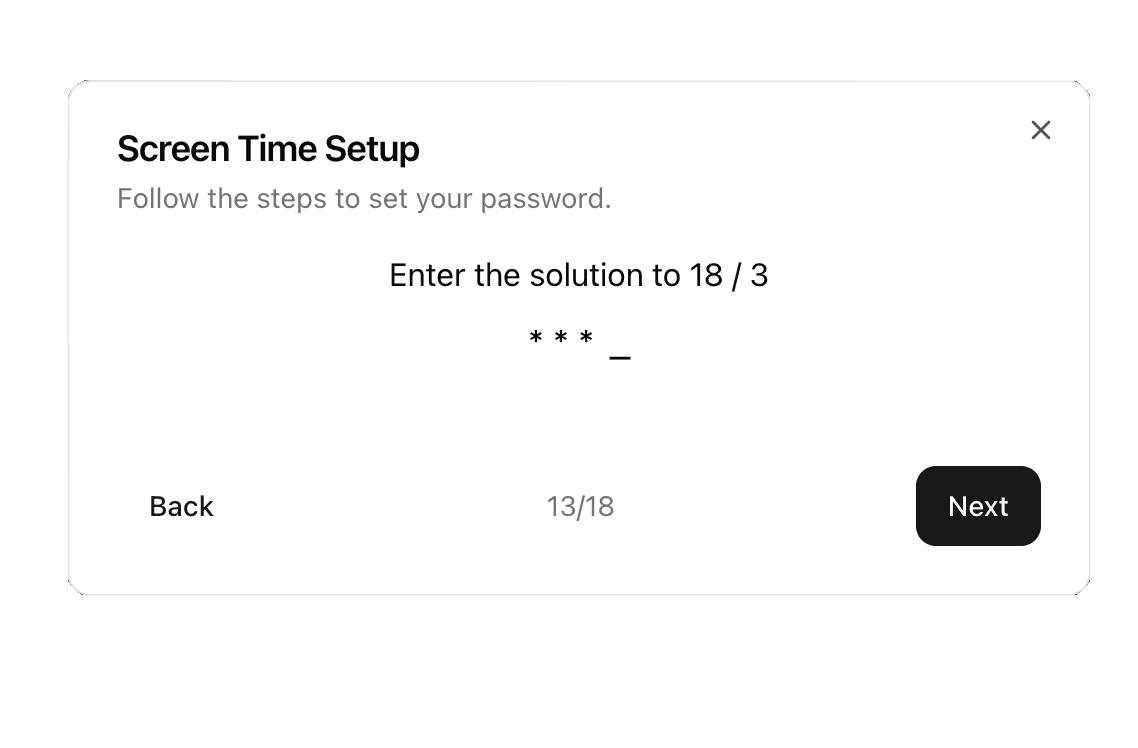
Shutout sets your Screen Time password for you, but makes you enter it in a confusing way so you won't remember it.
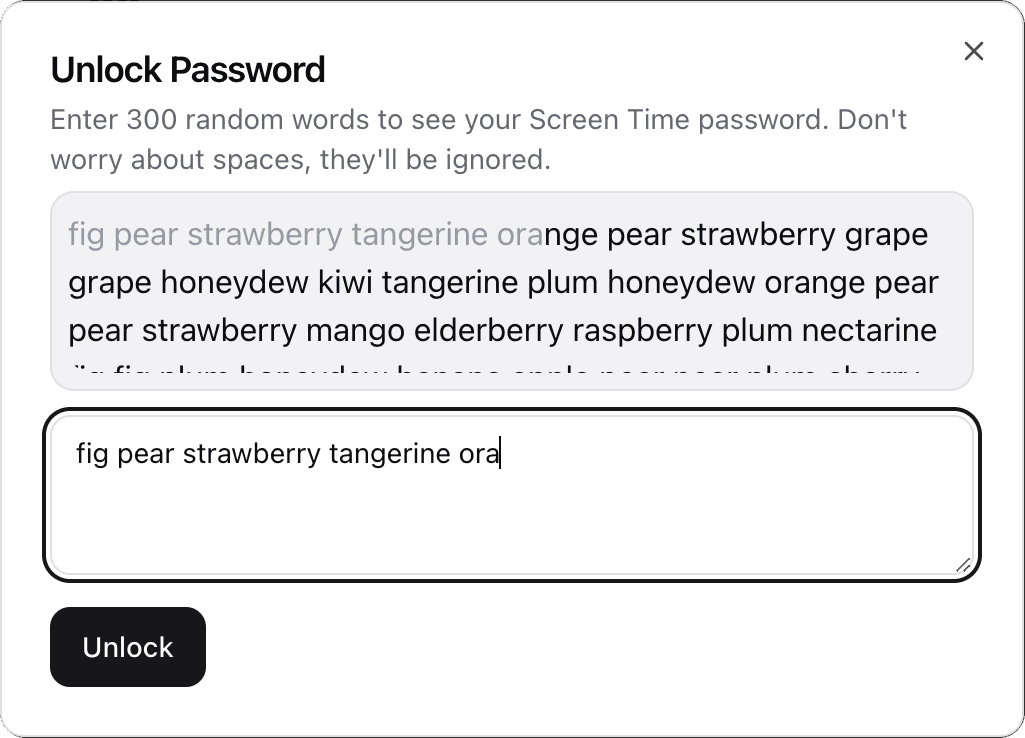
We save the password without showing you. Want it back? You'll have to type hundreds of random words first.
It's still there for emergencies, but it's tedious enough to stop you.
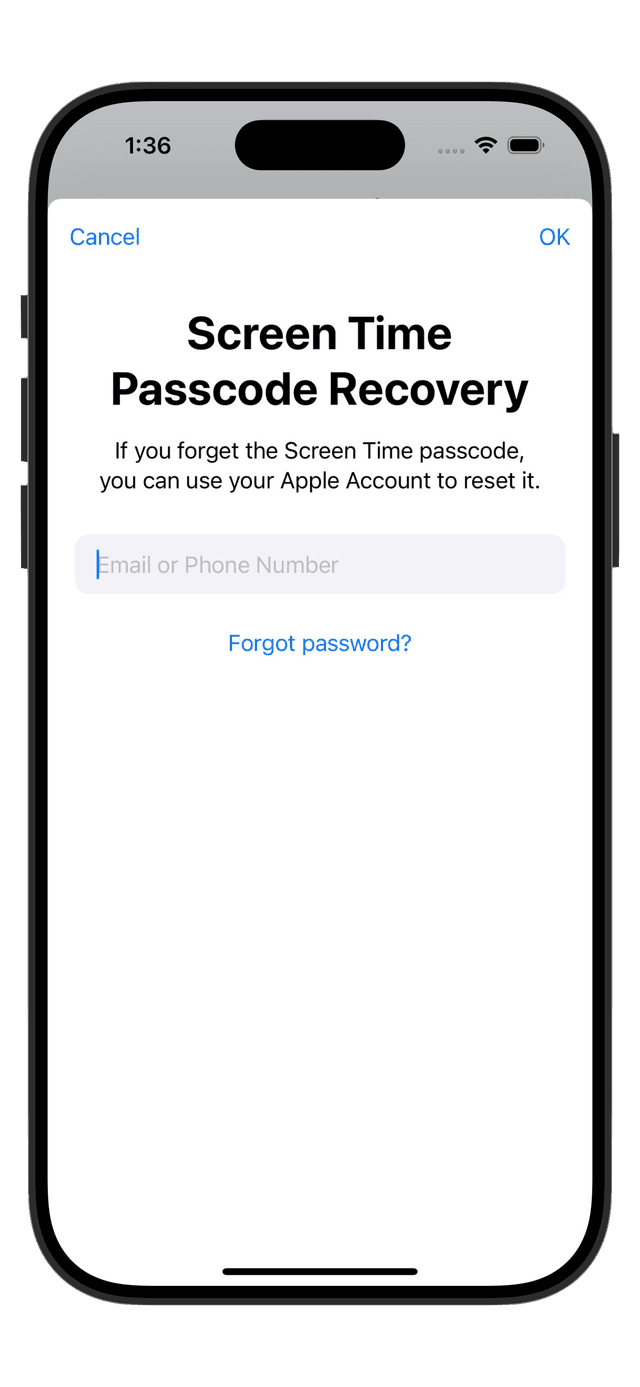
Shutout also disables Forgot Password, so you can't work around your limits. It creates a dummy Apple ID for you to use as the Screen Time recovery email, and hides the login info after.
You won't be able to reset your Screen Time password. The only way to get to it will be through Shutout.
But I already use a blocker…